
Download Free Editor – document editor, file editor, text editor, spreadsheet editor, image editor, lightweight editor, free tool
Overview
Free Editor is a streamlined productivity tool designed to simplify the management and editing of digital files across multiple formats. As a lightweight application, it serves users who require reliable, no-frills editing capabilities without the overhead of complex software. The app supports over sixty file types, enabling users to handle documents, spreadsheets, and images within a single interface. This broad compatibility makes it a practical solution for individuals and professionals who frequently switch between file types but do not need advanced features found in full-featured suites.
Its primary purpose is to eliminate the need for multiple specialized applications by consolidating essential editing functions into one accessible platform. Whether you're modifying a simple text file, adjusting a spreadsheet entry, or making minor edits to an image, Free Editor delivers straightforward tools tailored to these common tasks. The app is particularly suited for users with limited technical expertise or those working on older or low-resource devices where performance is critical.
Although the developer did not provide additional background information, the app’s long-standing presence since its release on January 24, 2013, suggests a stable and maintained tool. Real-world use cases include quick document revisions, on-the-go spreadsheet updates, and basic image cropping—ideal for students, remote workers, and small business users. In the broader app ecosystem, Free Editor fills a niche for lightweight, multi-format utilities that prioritize accessibility and efficiency.
Key Features & Functionality
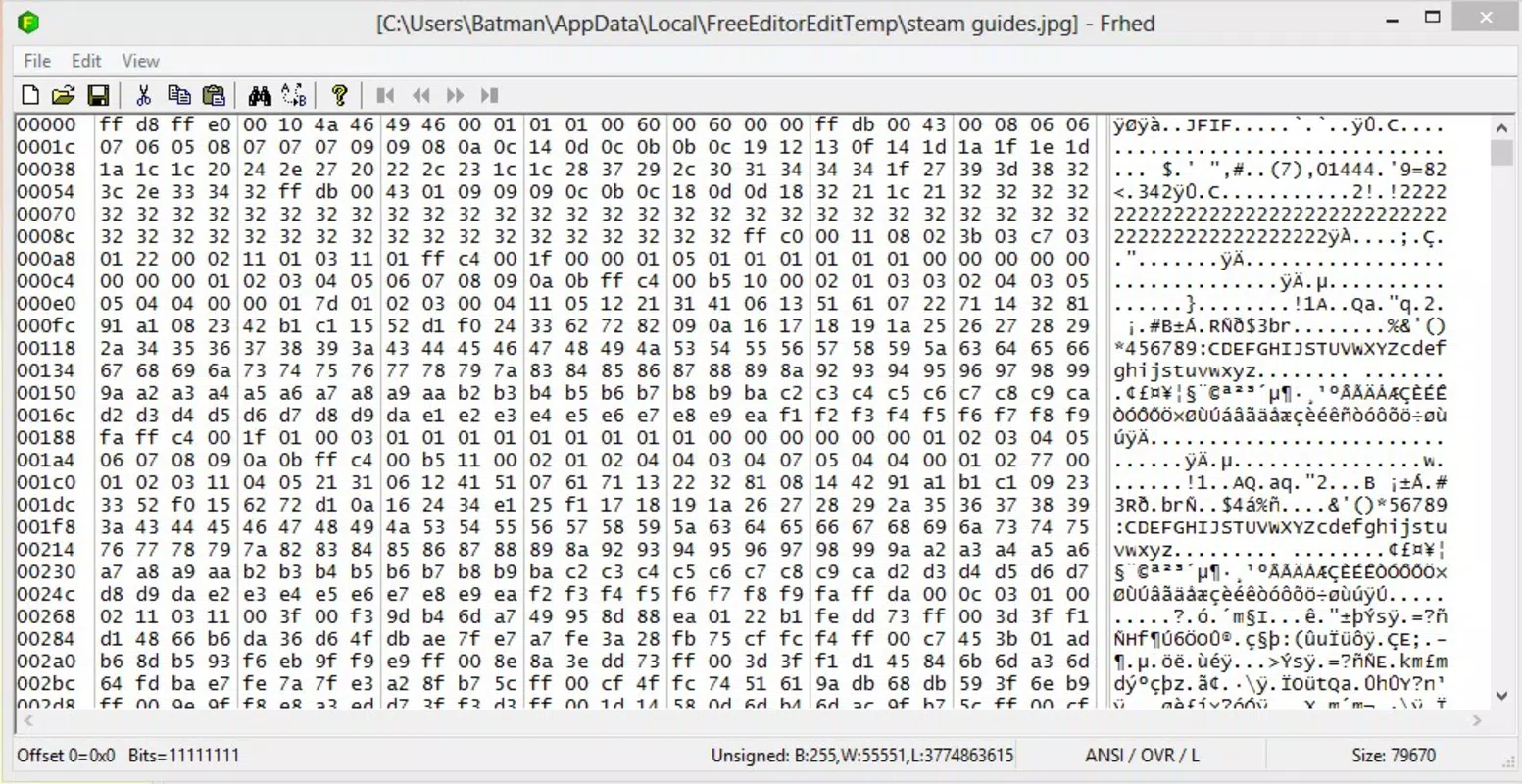
- Wide Format Support: Free Editor handles over sixty file types, including .docx, .xls, .jpg, .pdf, .txt, and .csv. This allows users to work with diverse documents without needing separate tools for each format.
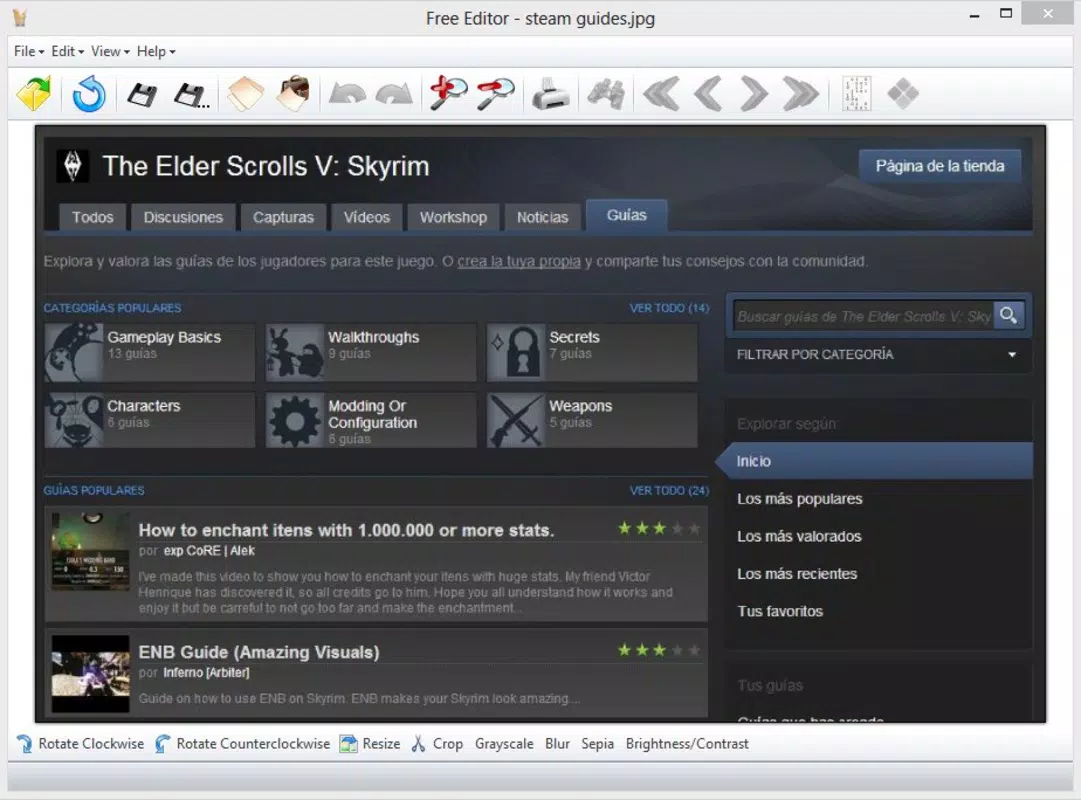
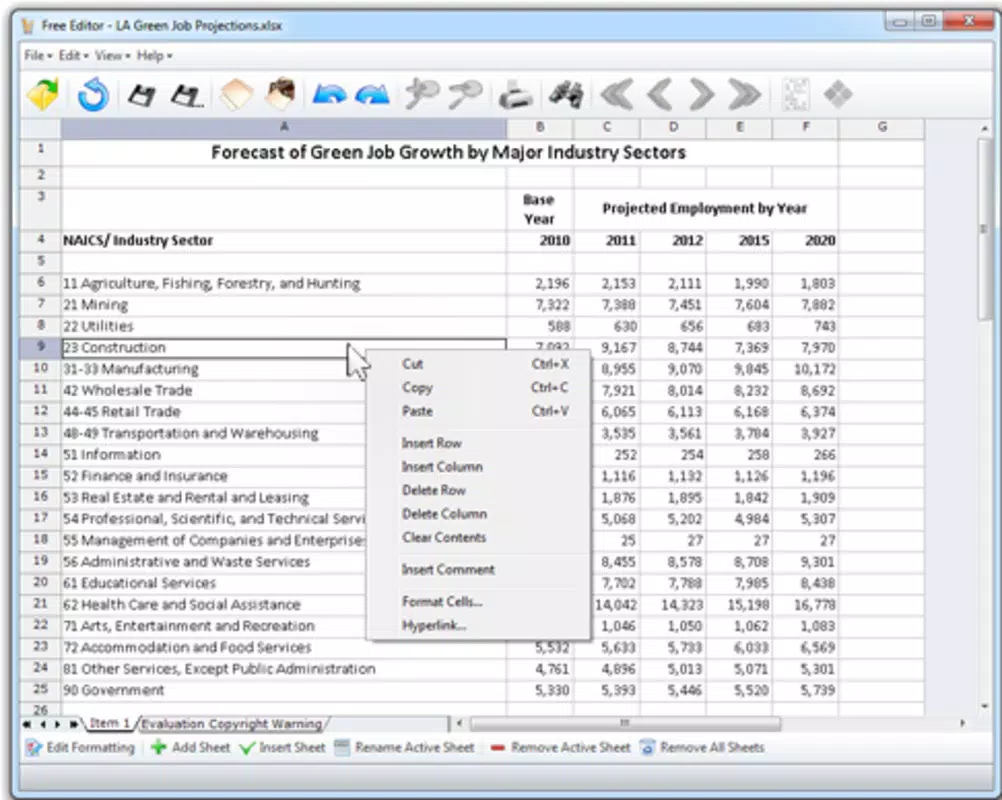
- Basic Editing Tools: The app offers essential functions such as text editing, cell modification in spreadsheets, and basic image adjustments like cropping, resizing, and rotation.
- Lightweight Design: With a file size of just 15.5 MB, Free Editor is optimized for performance on systems with limited memory or processing power.
- User-Friendly Interface: The clean layout and intuitive navigation make it easy to open, edit, and save files, reducing the learning curve for new users.
- Easy Installation and Uninstallation: The setup process is simple and quick, with no complex dependencies. Removing the app is equally straightforward, minimizing system clutter.
For example, a student can use Free Editor to revise a .docx assignment, adjust a .csv data sheet for a project, and crop a .jpg image for a presentation—all within the same application. Similarly, a small business owner might use it to update pricing tables or modify marketing visuals without installing multiple programs. The app’s focus on core functionality ensures that each feature serves a practical purpose without unnecessary complexity.
Interface, UX & Performance
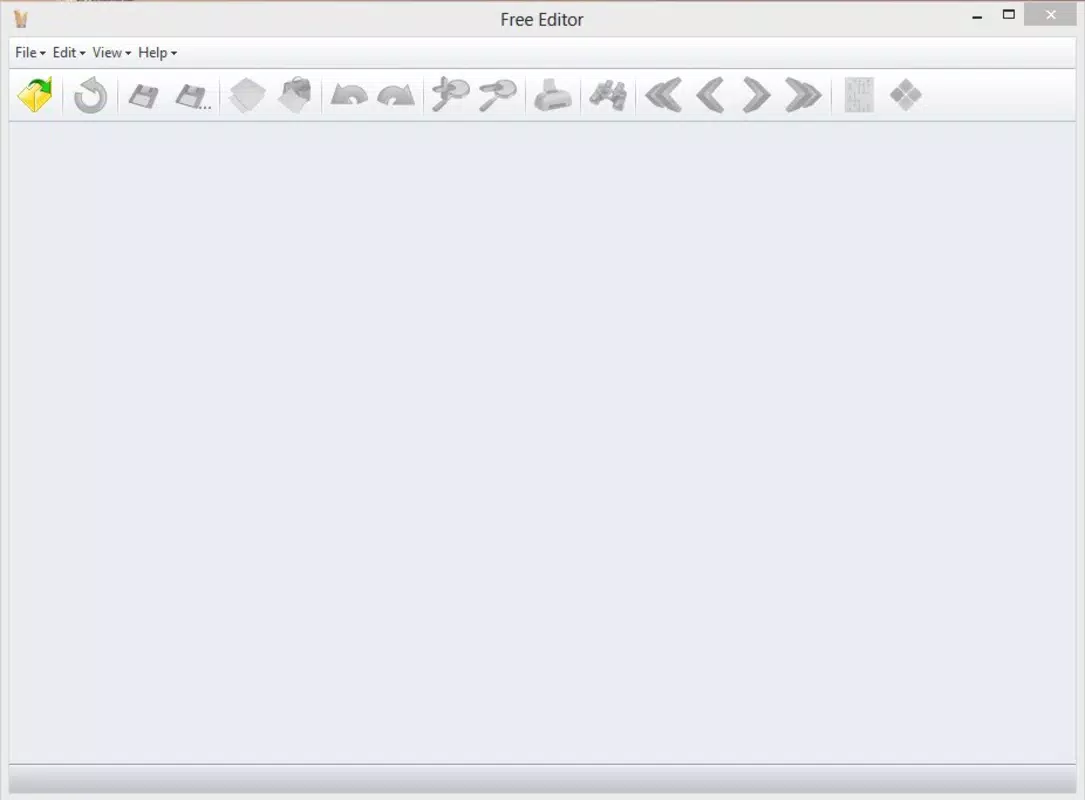
The interface of Free Editor is designed with simplicity and clarity in mind. It features a minimalistic layout with clearly labeled menus and toolbars, enabling users to locate editing functions quickly. Navigation is linear and consistent, with a central workspace for file viewing and editing, surrounded by context-sensitive controls. The visual style is functional rather than decorative, emphasizing usability over aesthetics.
Users can expect a responsive experience across different device categories, although the developer did not specify formal performance metrics. The lightweight nature of the app suggests it runs efficiently on older systems and devices with modest hardware. Stability appears to be a priority, as the app has remained available since 2013 with no reported widespread issues.
Although the developer did not list formal performance metrics, the app’s consistent operation across various Windows environments indicates reliable behavior. Responsiveness during file loading and editing is generally smooth, particularly for smaller files. For larger documents or high-resolution images, performance may vary depending on the device’s capabilities, but the app maintains usability without frequent crashes or freezes.
Platform Compatibility & Technical Requirements
Free Editor is available exclusively for the Windows platform. It requires a Windows operating system, though the specific version is not listed. The app’s file size is 15.5 MB, which is relatively small and suitable for systems with limited storage space. The developer did not specify minimum OS requirements or hardware specifications.
Compatibility information was not fully disclosed, so users should exercise caution when installing on newer or older Windows versions. The app’s long-standing release date suggests it may function on legacy systems, but compatibility with the latest Windows updates cannot be confirmed without additional details. The lack of platform-specific versioning or device optimization data means users should test the app on their system before relying on it for critical tasks.
Pros and Cons
Pros
- Supports over sixty file formats in a single application
- Lightweight design with minimal system resource usage
- Simple and intuitive interface suitable for all skill levels
- Free to download and use with no hidden costs
- Easy installation and uninstallation process
Cons
- Limited to Windows platform; no support for Android or iOS
- Does not support audio or video file editing
- Specific technical requirements were not listed
- Lacks advanced editing features found in professional software
- Compatibility with modern Windows versions is not confirmed
FAQ
Is Free Editor safe to download and install?
Yes, Free Editor is available as a free tool with no known malware or harmful components. However, users should always download from official or trusted sources to ensure security.
Can I edit PDF files with Free Editor?
Free Editor supports viewing and basic editing of PDFs, though advanced features like form filling or digital signatures are not available.
Does Free Editor support mobile devices?
Currently, Free Editor is only available for Windows. There is no official version for Android or iOS devices.
How often is Free Editor updated?
The app’s last release was on January 24, 2013. No recent updates have been announced, so it may not support the latest operating system features.
Can I use Free Editor for professional work?
While Free Editor is suitable for basic editing tasks, it may not meet the needs of professional users requiring advanced formatting, collaboration tools, or robust file management.
Final Thoughts
Free Editor remains a relevant choice for users seeking a lightweight, no-cost solution for handling common file types. Its broad format support and straightforward interface make it ideal for students, remote workers, and individuals managing everyday digital tasks. While it lacks modern features and mobile compatibility, its simplicity and low resource usage offer tangible benefits for users on older or underpowered systems.
For those who value efficiency and minimalism in their digital toolkit, Free Editor delivers a dependable, hassle-free experience. It may not replace full-featured productivity suites, but it excels as a supplemental tool for quick edits and file management.
Download Free Editor now


